Artensoft Photo Collage Maker Screenshots
Home   Downloads   Purchase   Screenshots   Support   About Us         Artensoft Photo Collage Maker screenshots, in English   Artensoft Photo Collage Maker screenshots, in deutscher Sprache (German)   , en Français   Скриншоты мастера фотоколлажей Artensoft Photo Collage Maker, на русском языке    , en español

Menu Home
Menu Downloads
Menu Purchase
Menu Screenshots
Menu Support
Menu About Us

logo Photo Collage Maker
Menu Download
Menu Purchase
Menu Screenshots
Menu Gallery

logo Tilt-Shift Generator
Menu Download
Menu Purchase
Menu Screenshots
Menu Gallery

logo Photo Mosaic Wizard
Menu Download
Menu Purchase
Menu Screenshots
Menu Gallery
Menu Articles

logo Artensoft Photo Editor
Menu Download
Menu Help
Menu Purchase
Menu Screenshots

Save over $80 now!
Difference between Photo Collage Maker and Photo Mosaic Wizard
     
 
Artensoft's software
works with
Windows platform only.

Tilt shift photography software compatible with Windows 7

Tilt shift generator compatible with Windows Vista

Tilt shift software is clean


     Latest News
December 7, 2011
Artensoft Photo Mosaic Wizard 1.5
released!
What's New:
  Added support for multiple formats of digital images;
  Raw images support (CRW, CR2, NEF, PEF, RAF, RAW, DNG, MNG, etc.);
  Minor bug fixes in photo mosaic maker;
  Improved the speed of creating photomosaic;
  Other useful updates.

April 11, 2011
Artensoft Photo Mosaic Wizard 1.4
released!
What's New:
  Added a possibility to use an original overlay effect for photo mosaics (considerably improves the quality of photo mosaics, especially the ones with small image databases). Configurable overlay level and type.
  Added a minimal radius setting for excluding duplicate elements in photo mosaics.
  Removed the limitation of 1500 images for mosaic generation. Photo mosaics can now be generated with any number of mini-images in the database.
  Added a possibility to delete folders with mini-images from the database during indexing (before the process ends).
  Significantly improved the speed of previewing photo mosaics.
  Minor bug fixes


Artensoft Photo Collage Maker screenshots


Feel free to visit our gallery featuring dozens of cool photocollages. Just click this link and enjoy the show.
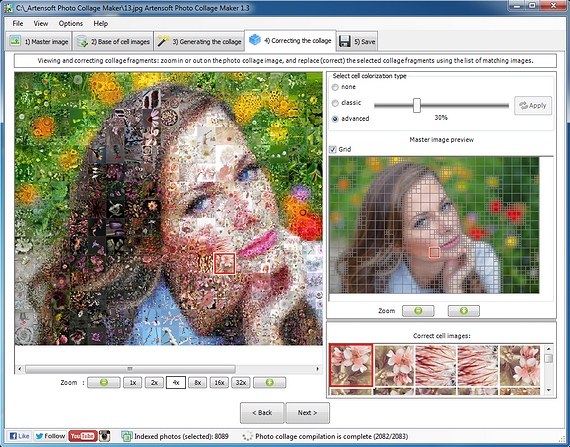

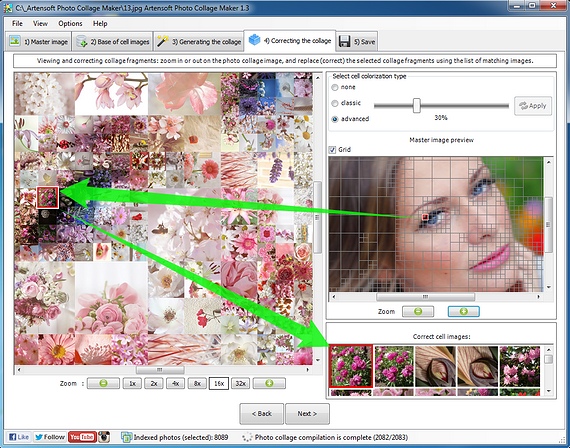
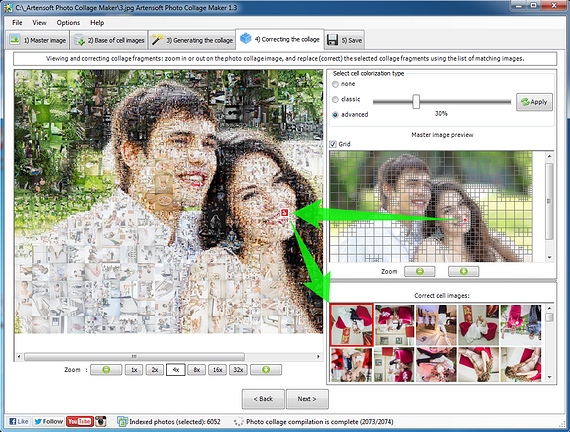
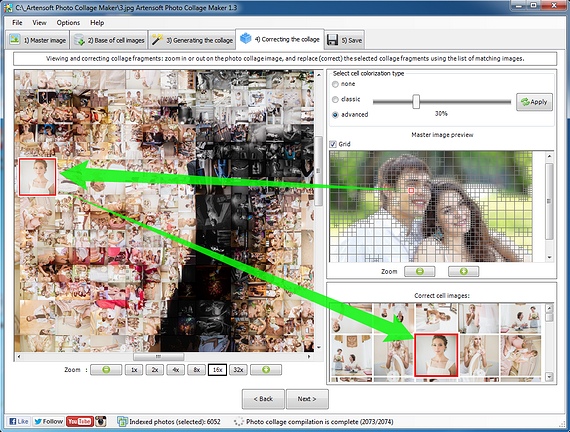
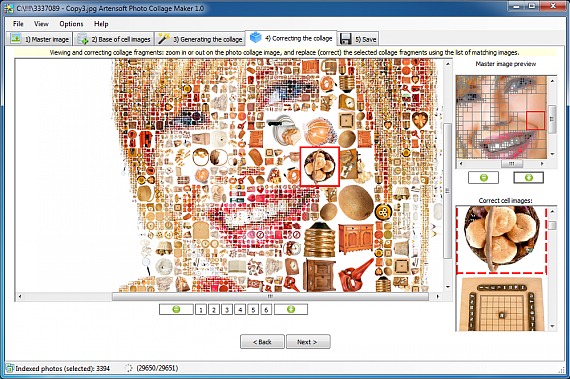
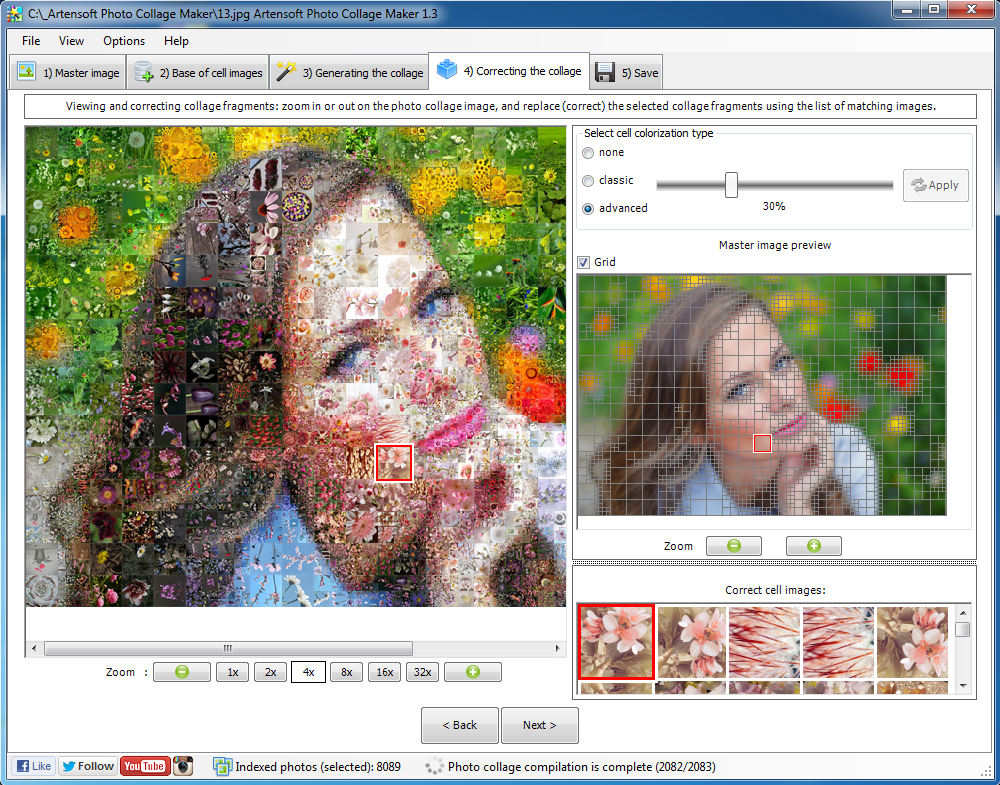
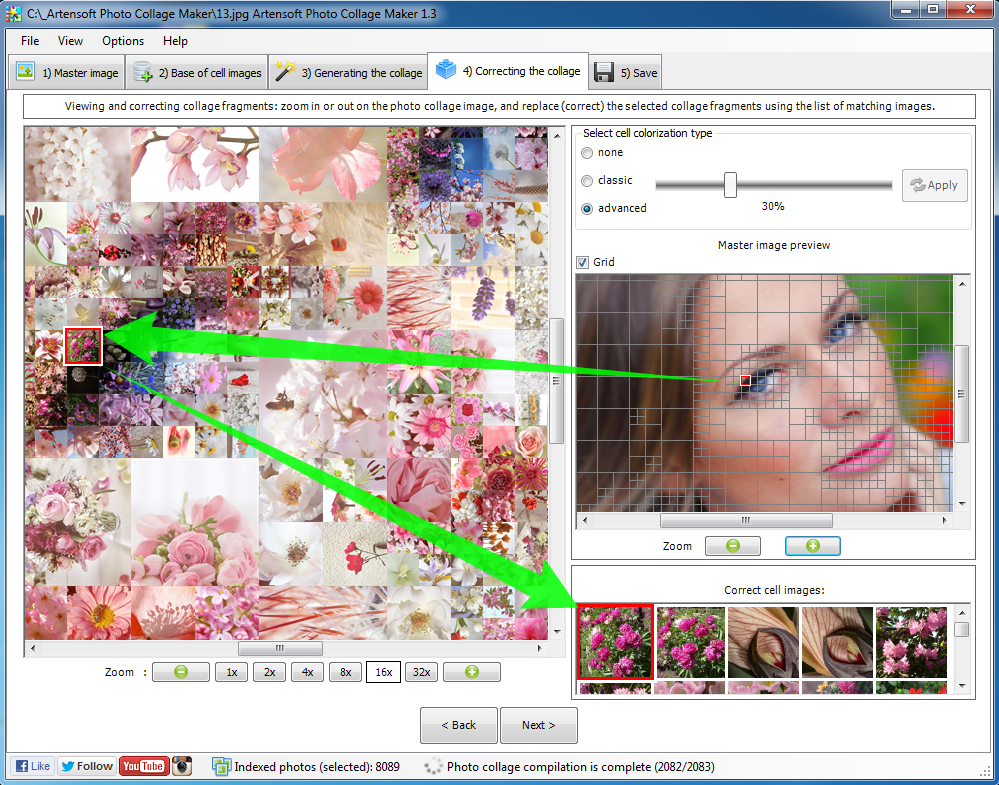
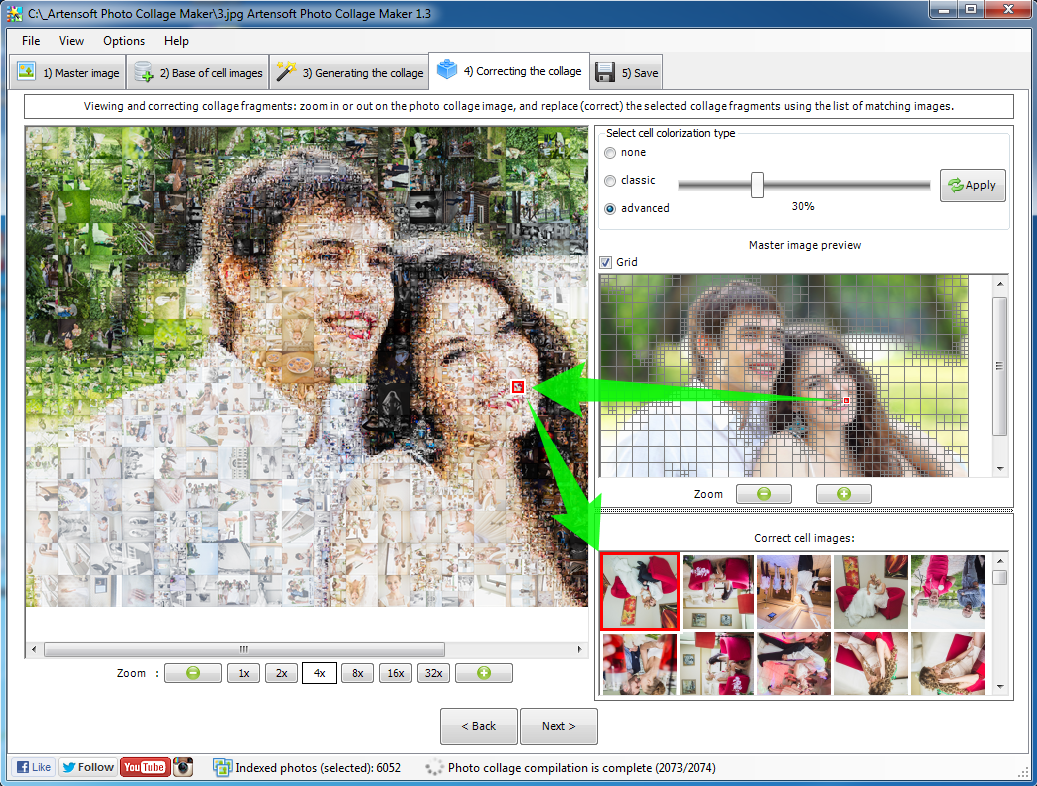
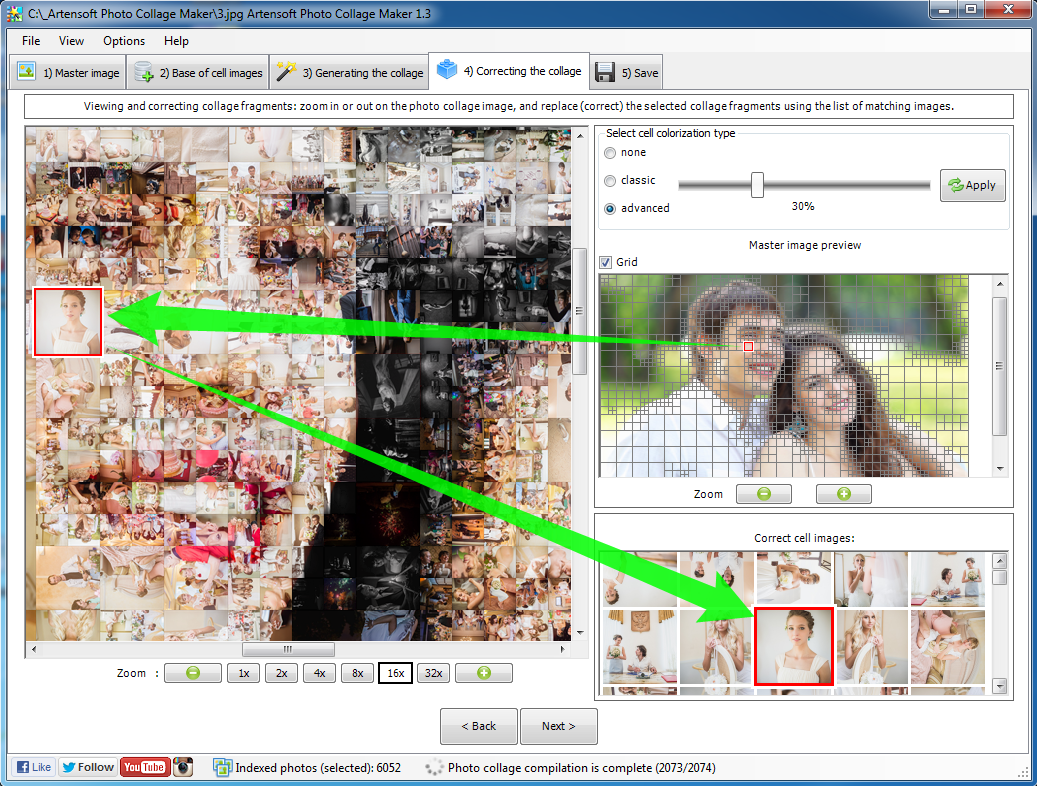
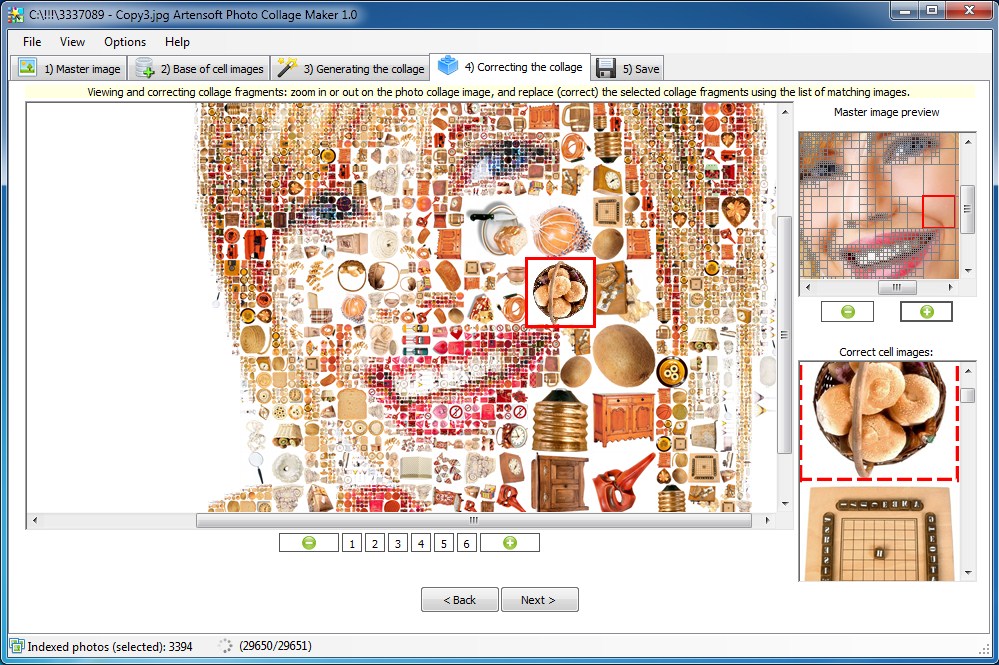
photo collage (correcting)

Correcting the photo collage


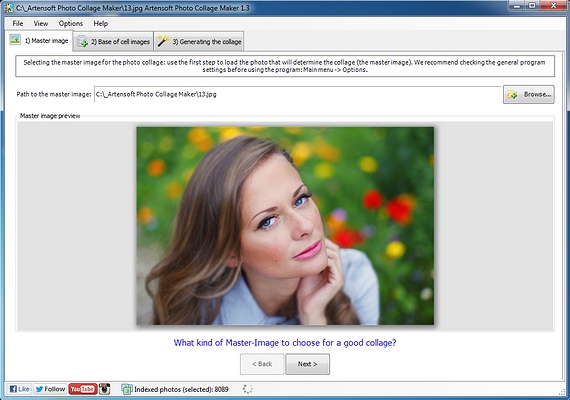
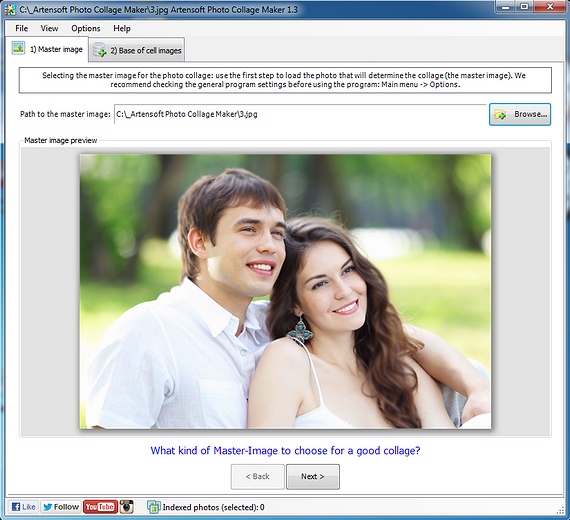
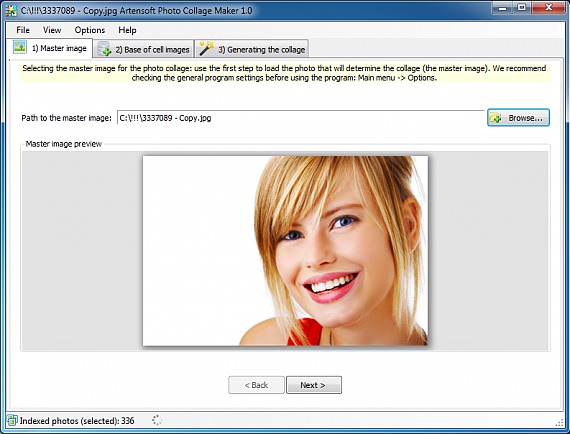
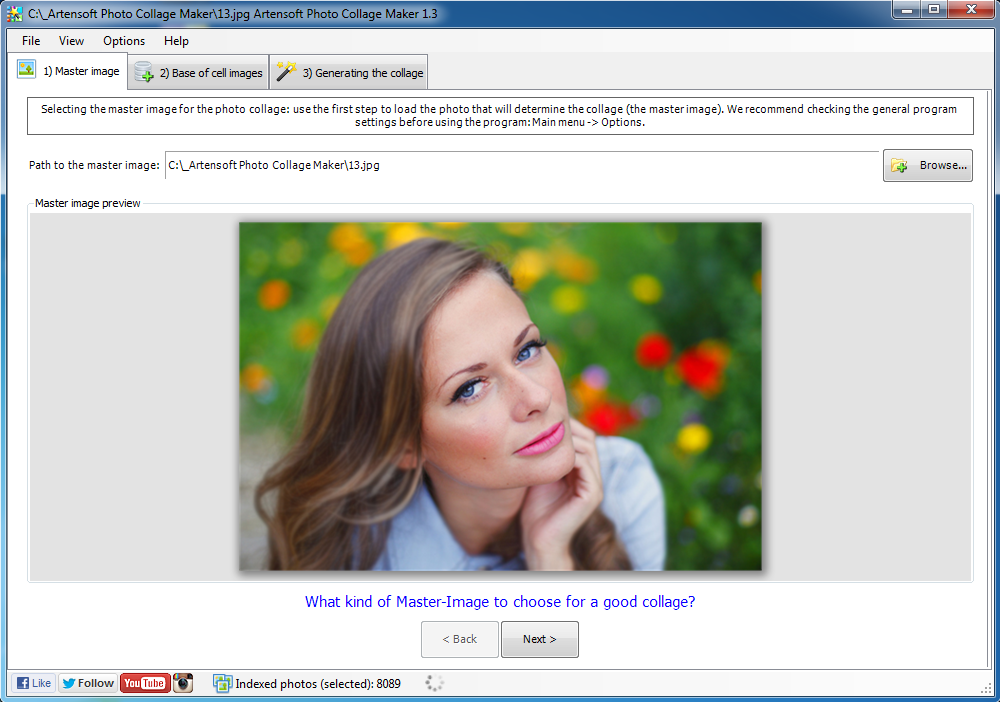
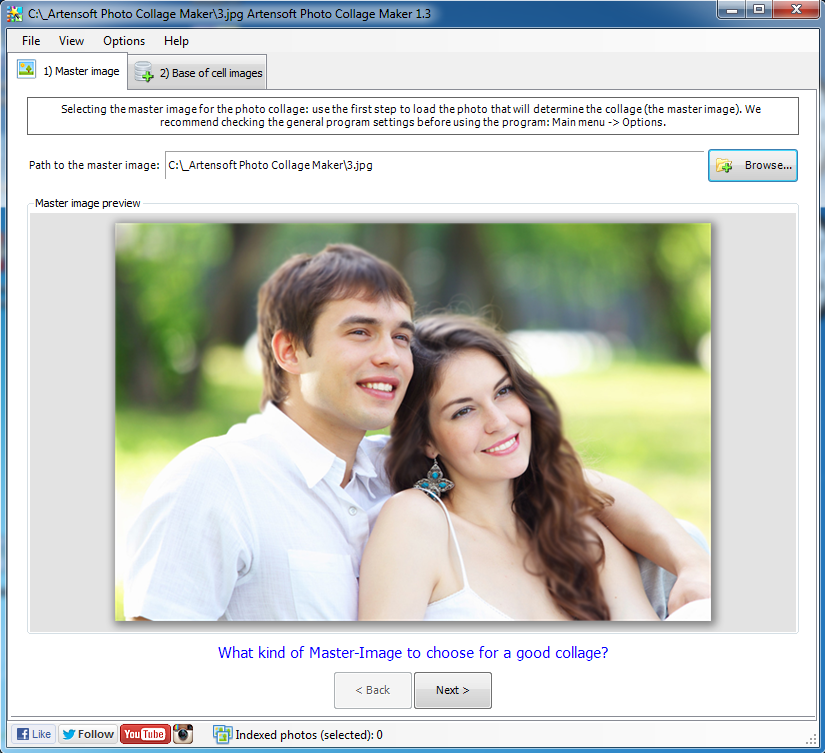
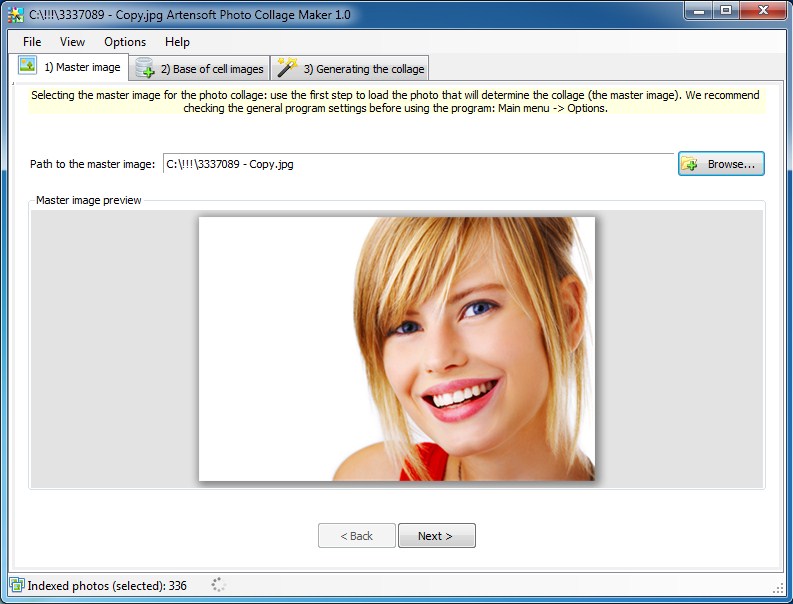
photo collage (Selecting of the master image)

Selecting the master image for the photo collage
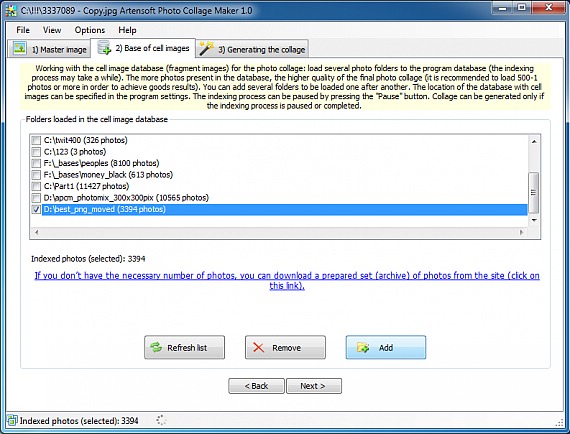

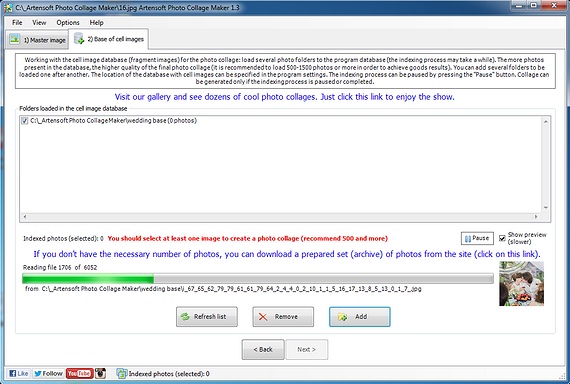
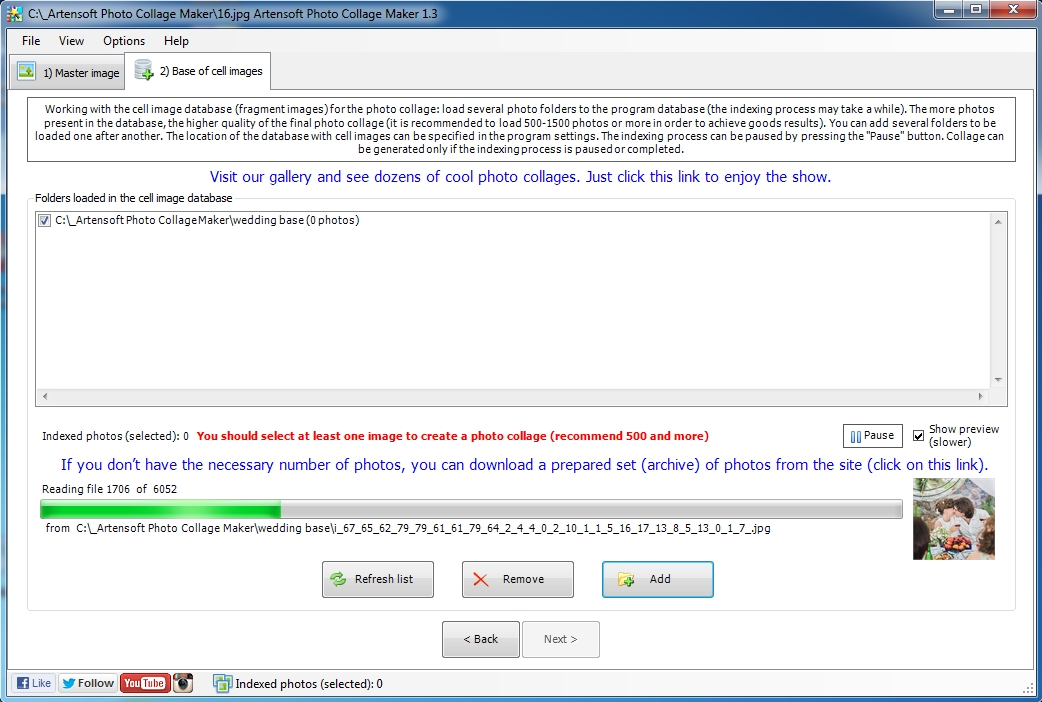
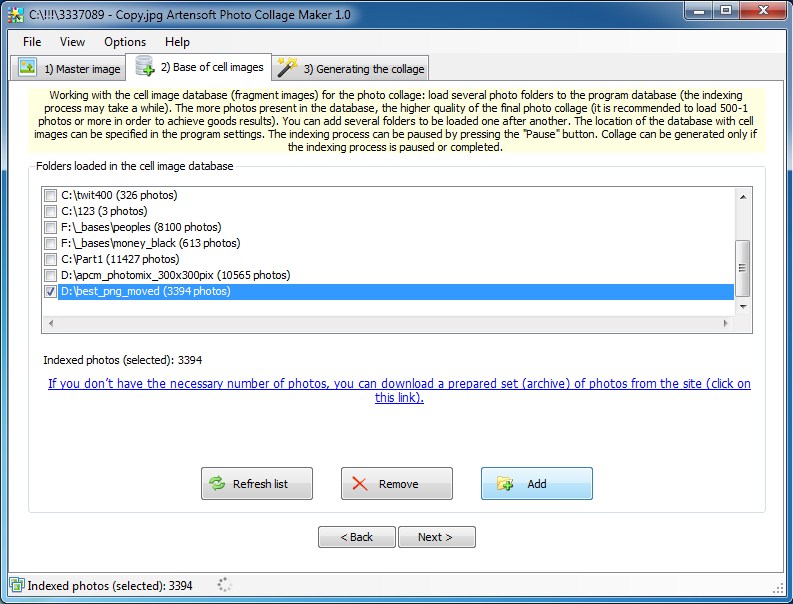
Working with the database of Artensoft Photo Collage Maker

Working with the database of cell images (fragment images) for the photo collage
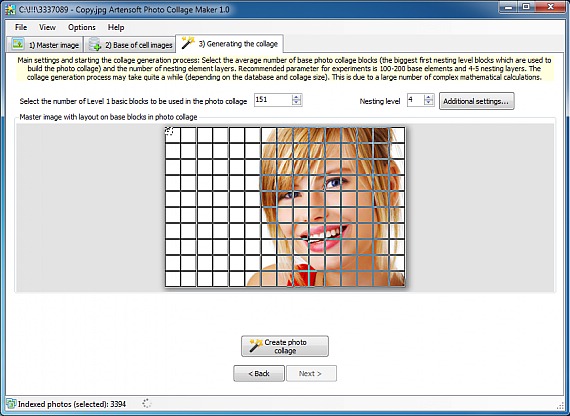

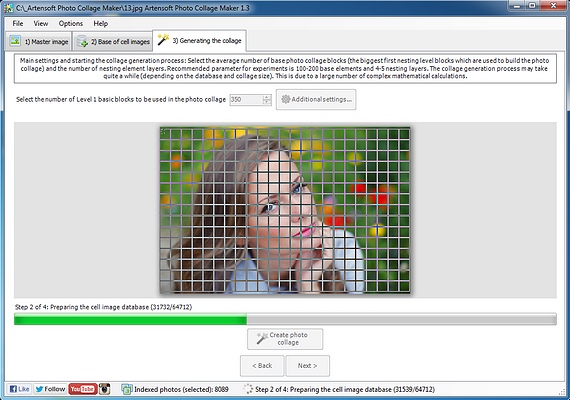
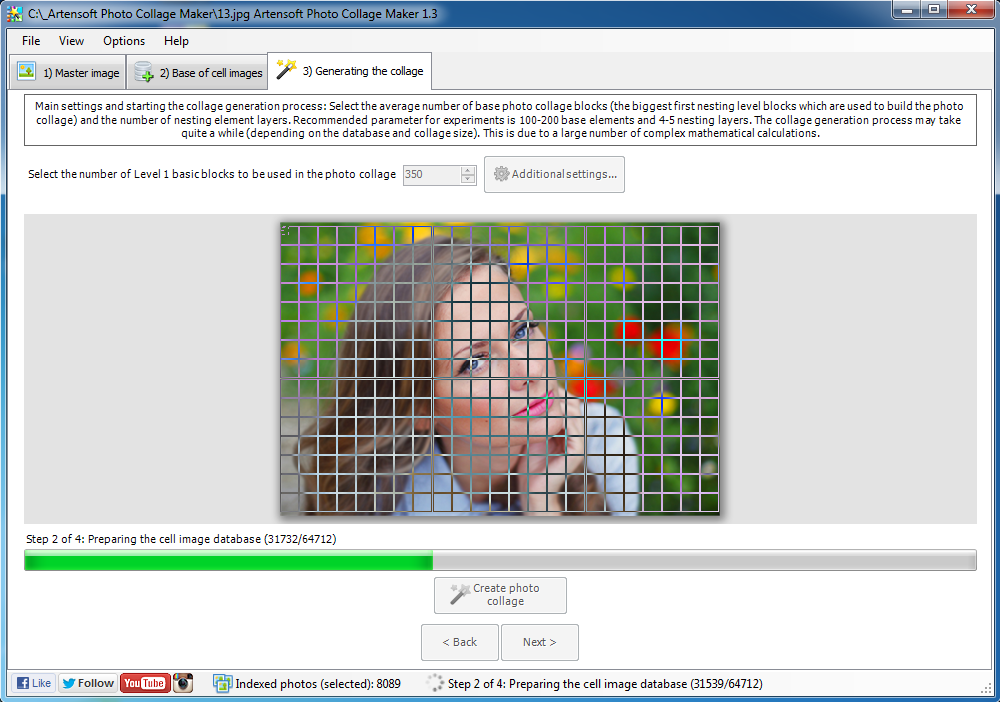
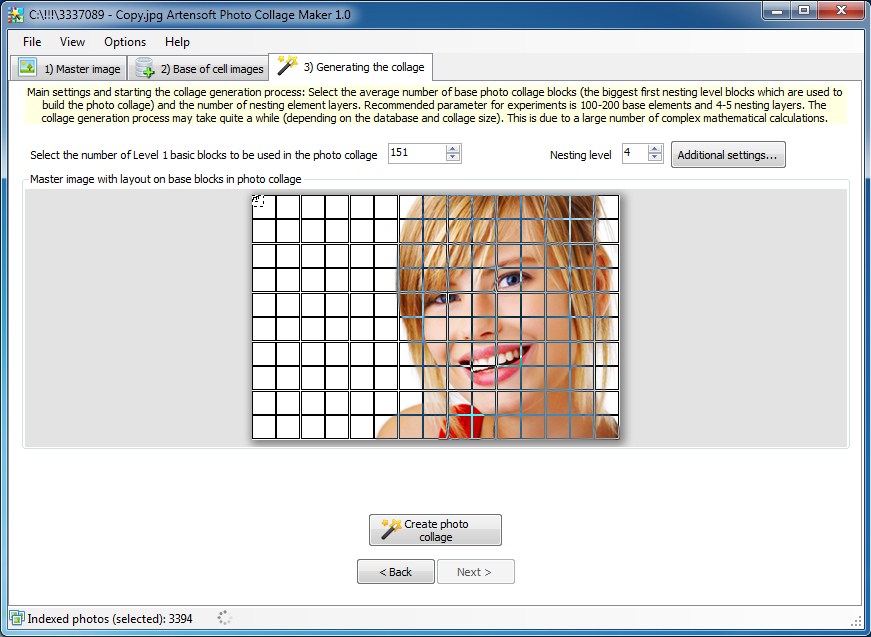
Starting photo collage generation process

Main settings and starting the photo collage generation process
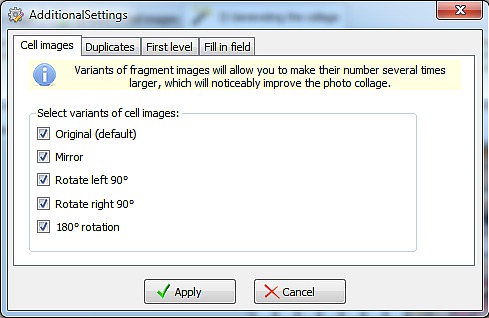

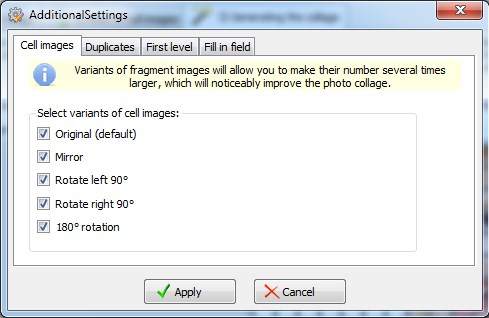
Cell images options

Additional Options: Cell images


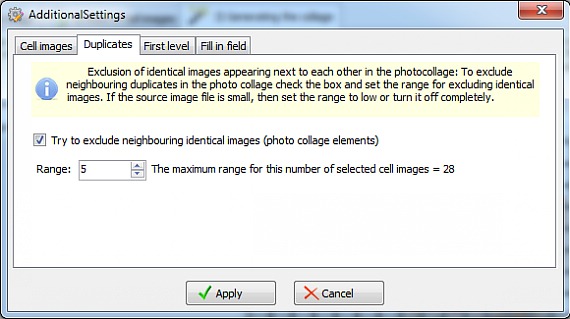
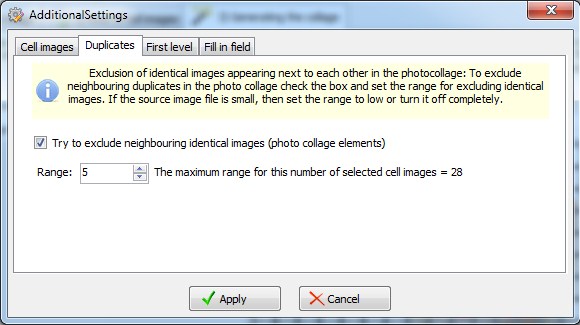
Selecting of duplicates radius of photo collage

Additional Options: Duplicates


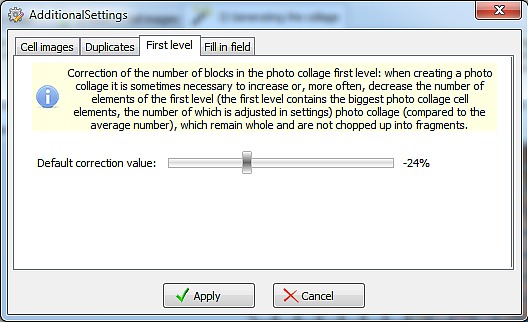
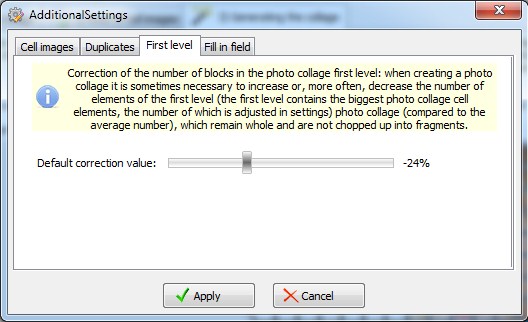
Additional Options: photo collage first level

Additional Options: First level


Type of photo collage

Additional Options: type of photocollage
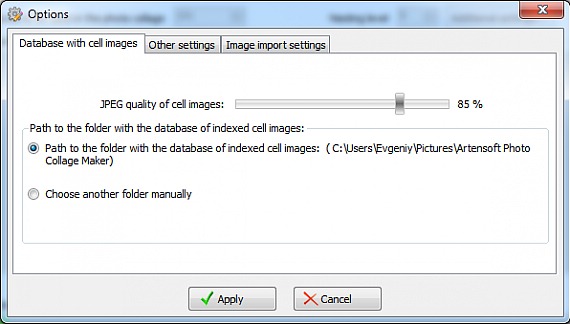

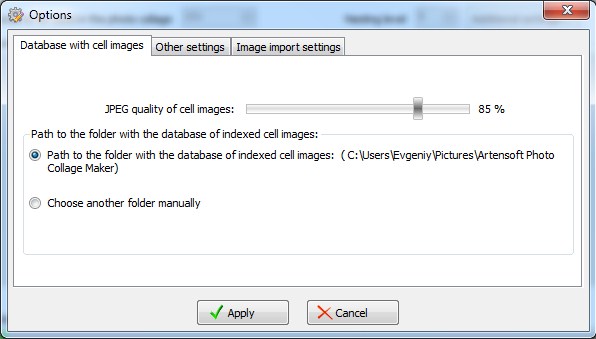
Photo collage database options

Database options:


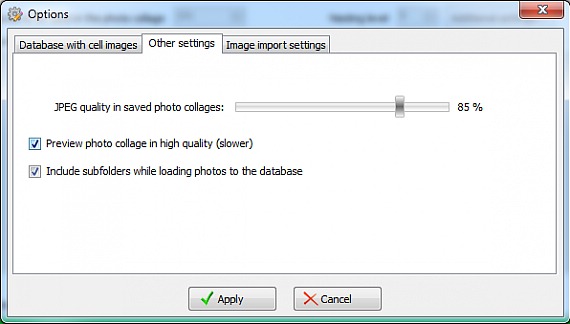
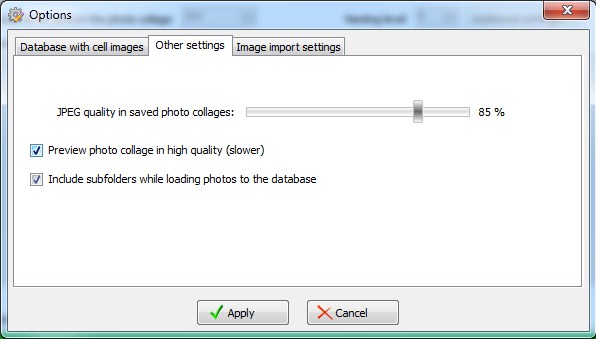
Photocollage: Other settings

Other settings


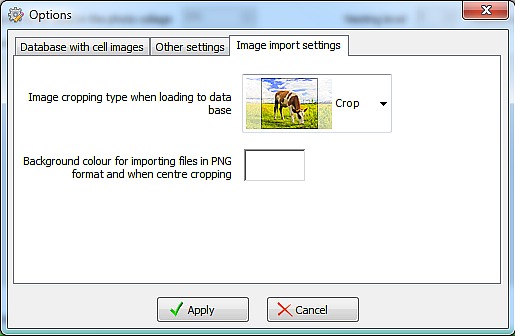
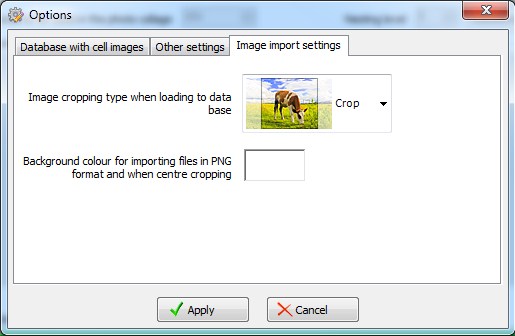
photo collage importing settings

Cell-images importing settings
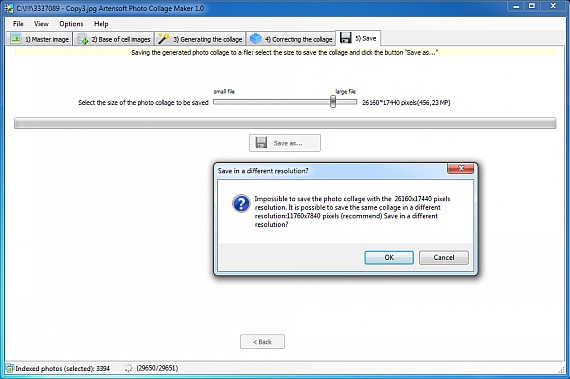

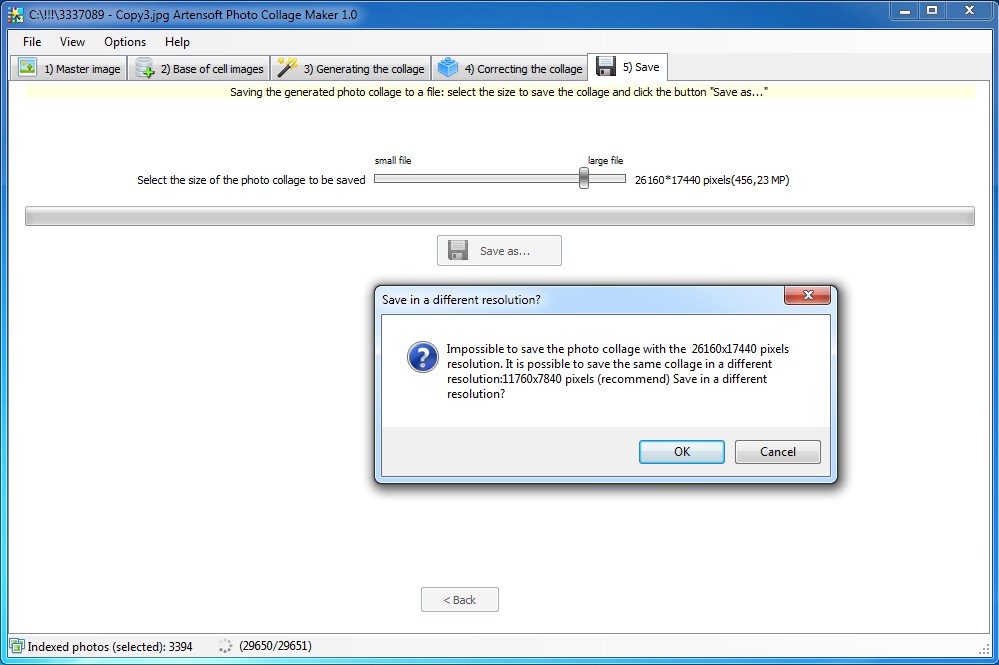
Saving the photo collage to a file

Saving the generated collage to a file
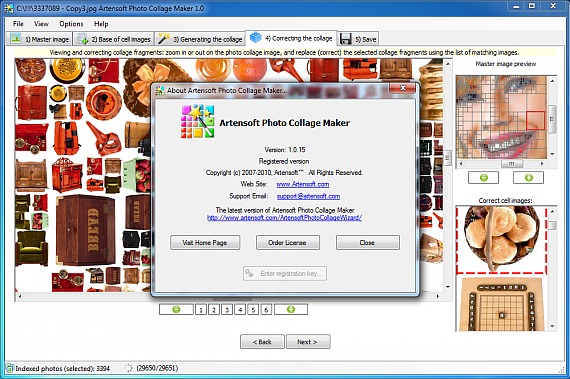

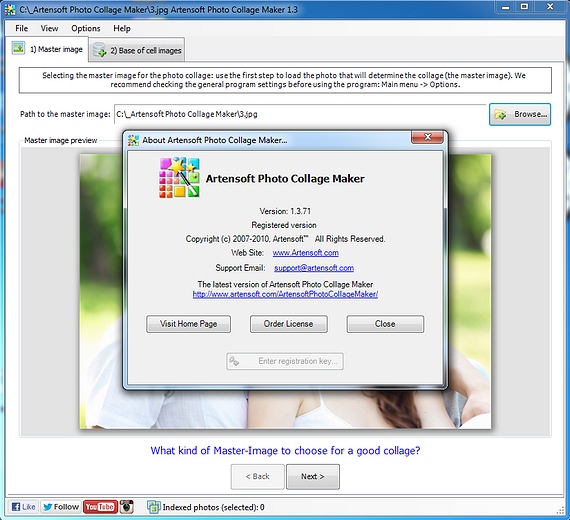
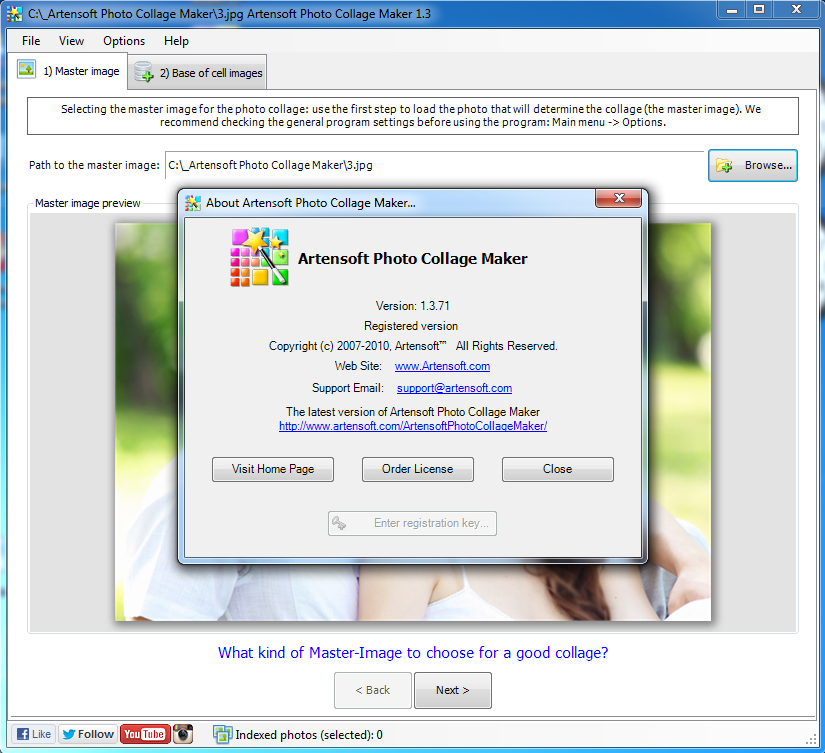
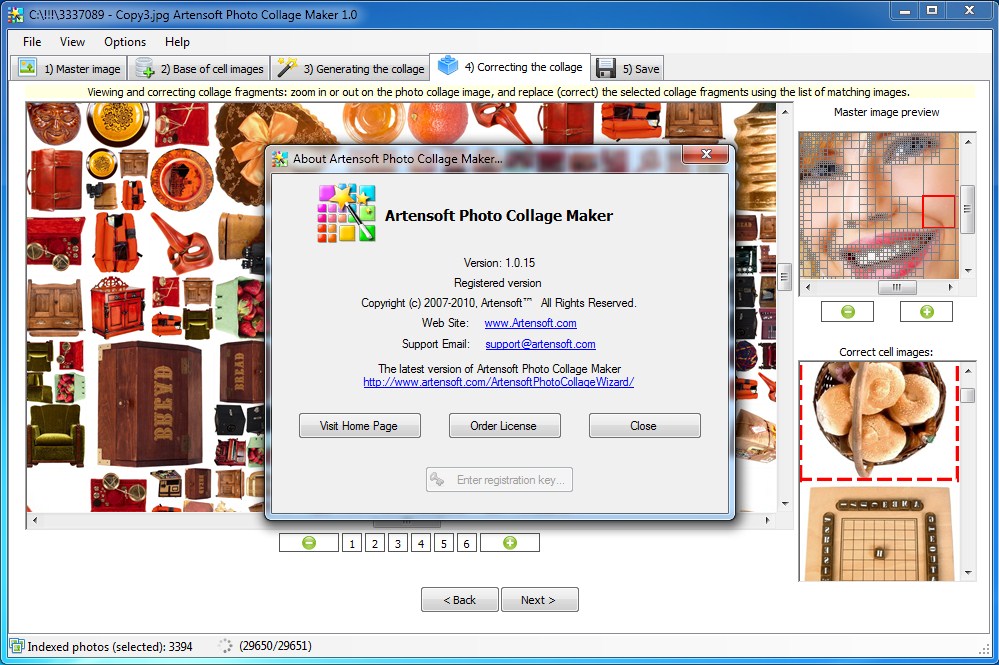
About Artensoft Photo Collage Maker


Feel free to visit our gallery featuring dozens of cool photo collages. Just click this link and enjoy the show.

Download "Artensoft Photo Collage Maker" and build your photocollages

(Size: 9.3 Mb)      

Purchase "Artensoft Photo Collage Maker" and begin making photo collages without functional limitations
Home   Downloads   Purchase   Screenshots   Support   About Us                        Terms Of Use        Privacy Policy       
© 2007-2013 Artensoft™. All rights reserved.