|
After you install the program, the image files it supports are automatically associated with the program so that Artensoft Photo Editor is automatically launched in the View mode if you open these files from Explorer. And if some folder is added for the first time, it is added to the "TEMP" Group Folder in the Active Folders hierarchy.
Note that when you add a folder with photos, the program needs some time to load all photos into the program database, generate thumbnails and read EXIF metadata. If the program is busy with some background process, you can see it in the status bar at the bottom of the window:

If there are any background processes, it is not recommended to close Artensoft Photo Editor.
There are two ways to add a folder with photos from the program:
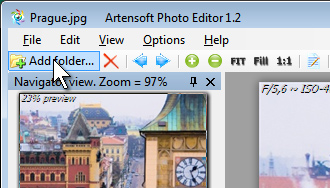
1) Click the toolbar button:
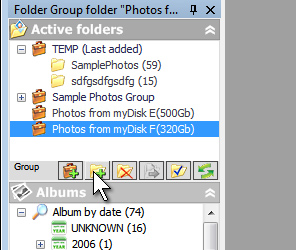
2) Select the necessary Group Folder or Virtual Folder from the window with the folder hierarchy and click the "Add folder" button:
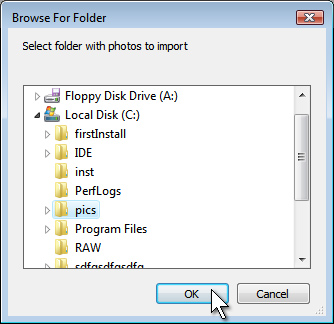
Then you should select the folder you want to import from Explorer and click the "OK" button.
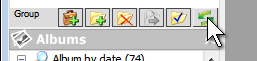
The import process will be started, but not all files may appear in Active Folders at once. To update the list of folders with photos loaded in them, click the "Refresh folder tree" button.
|


 Online Help
 User interface